Homepage
Daily Prayer Times & Surah Search
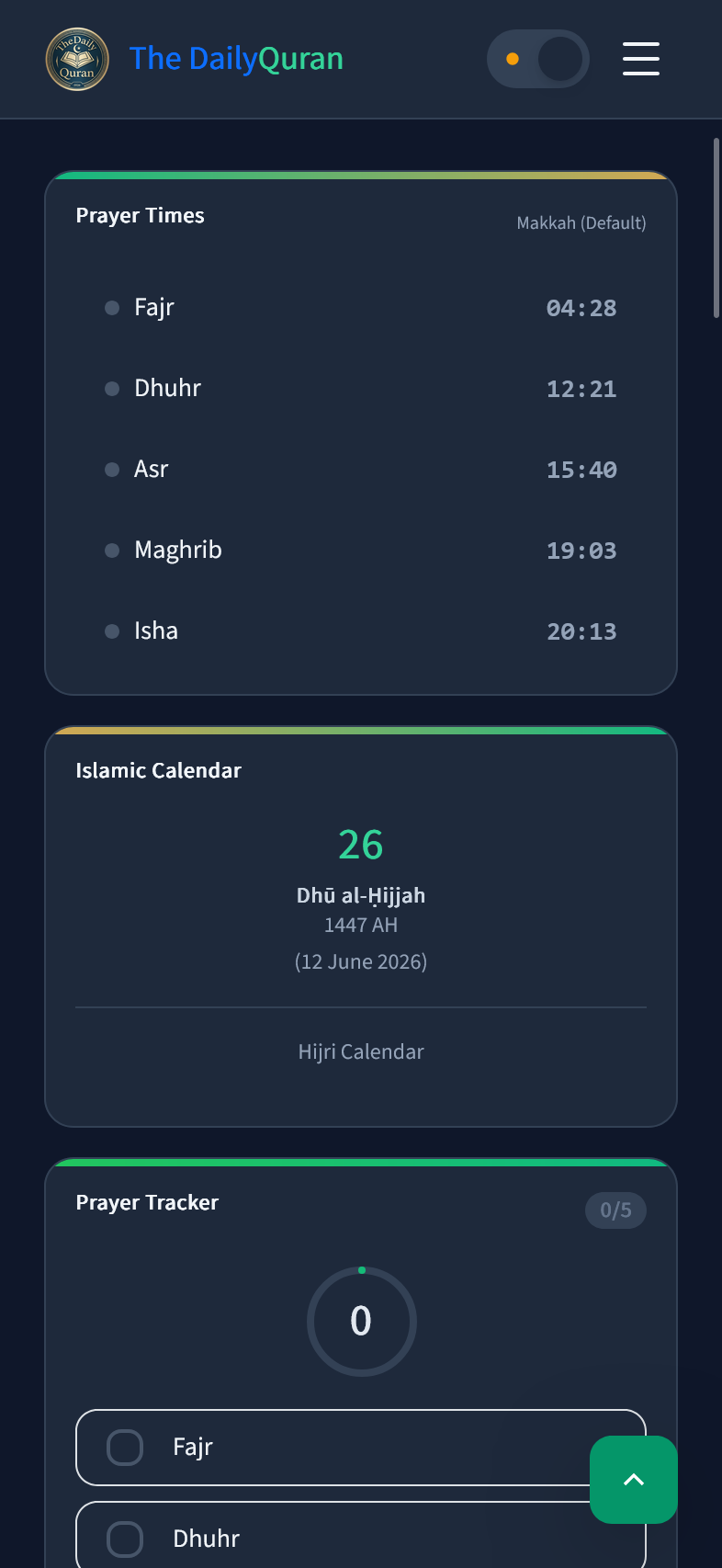
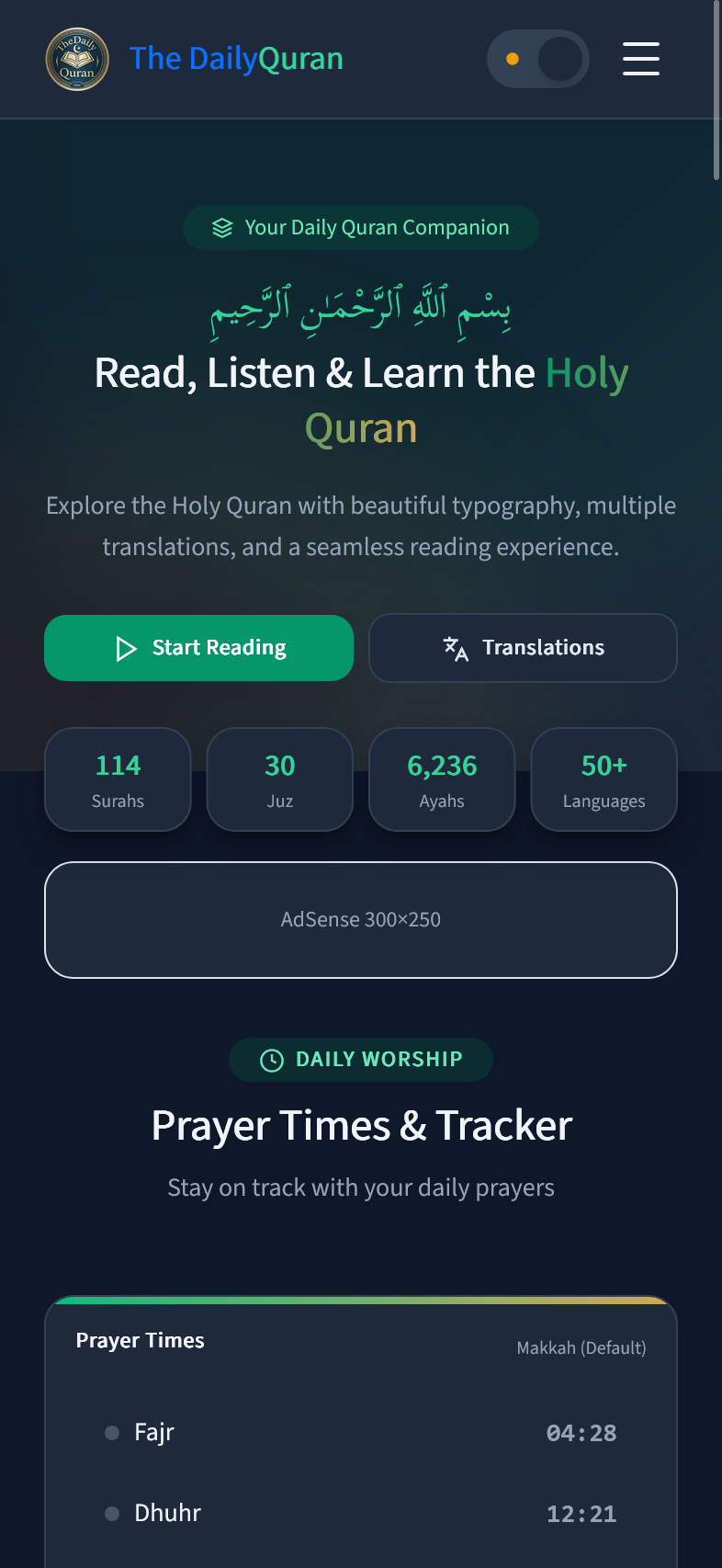
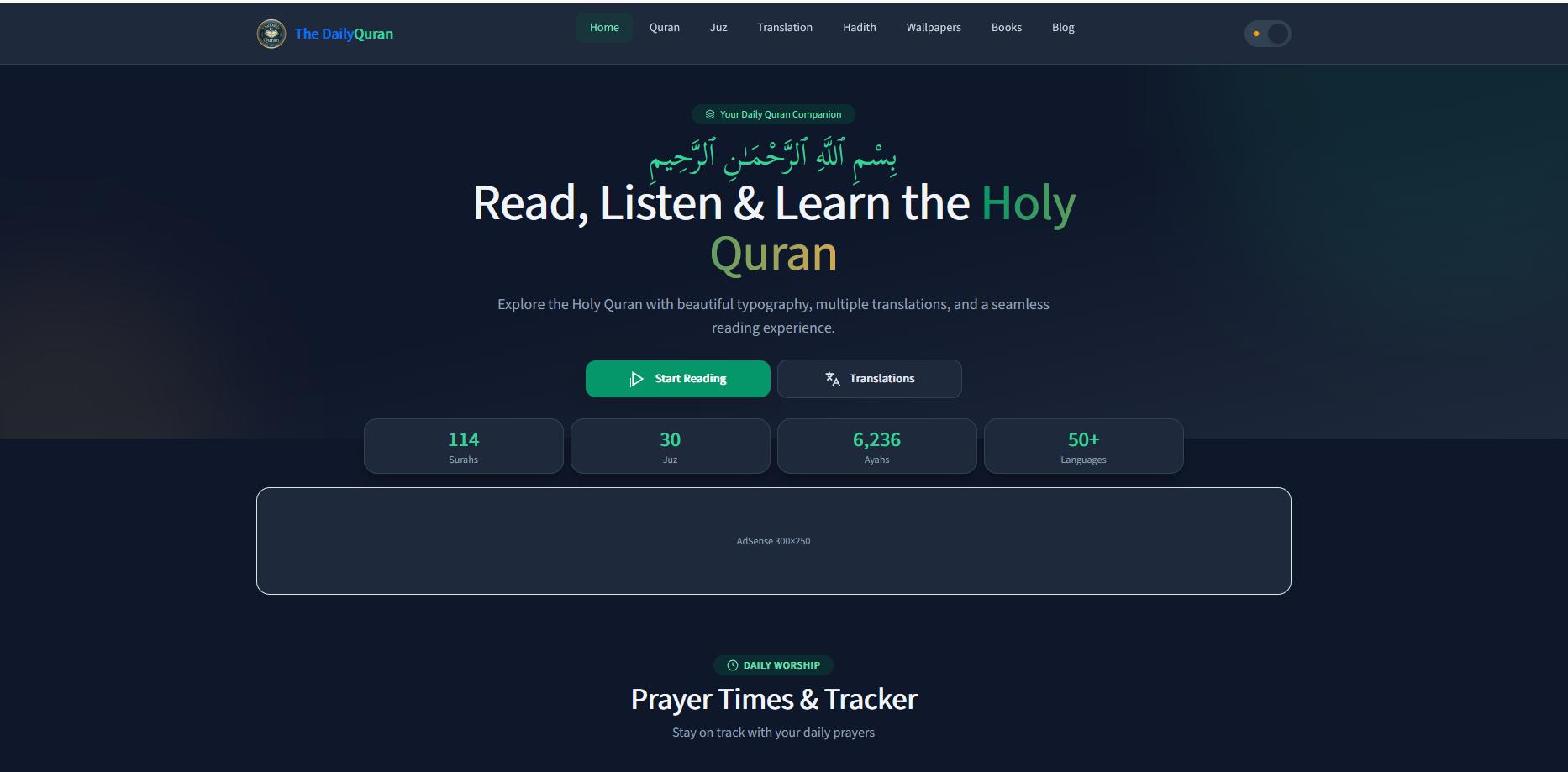
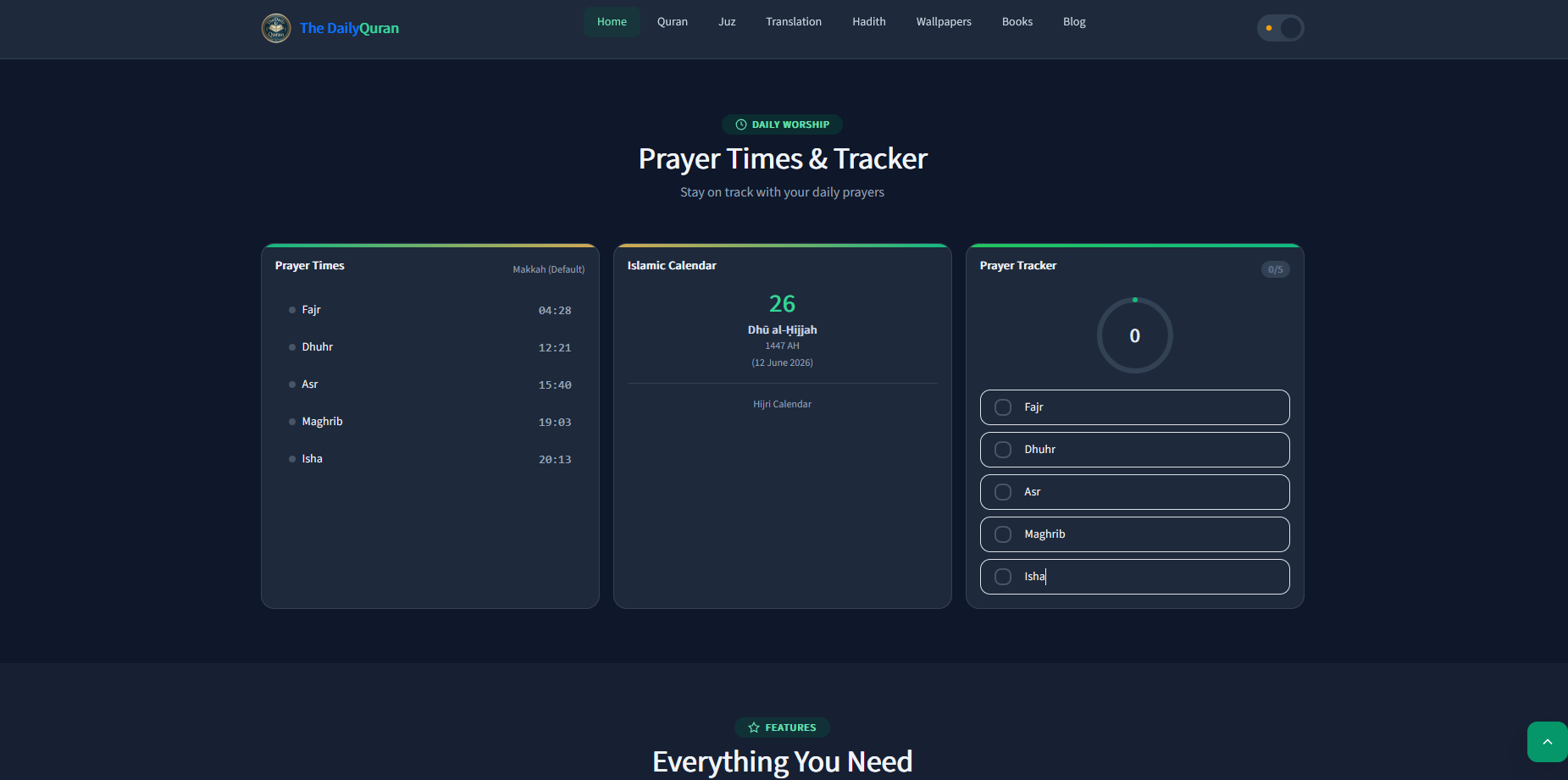
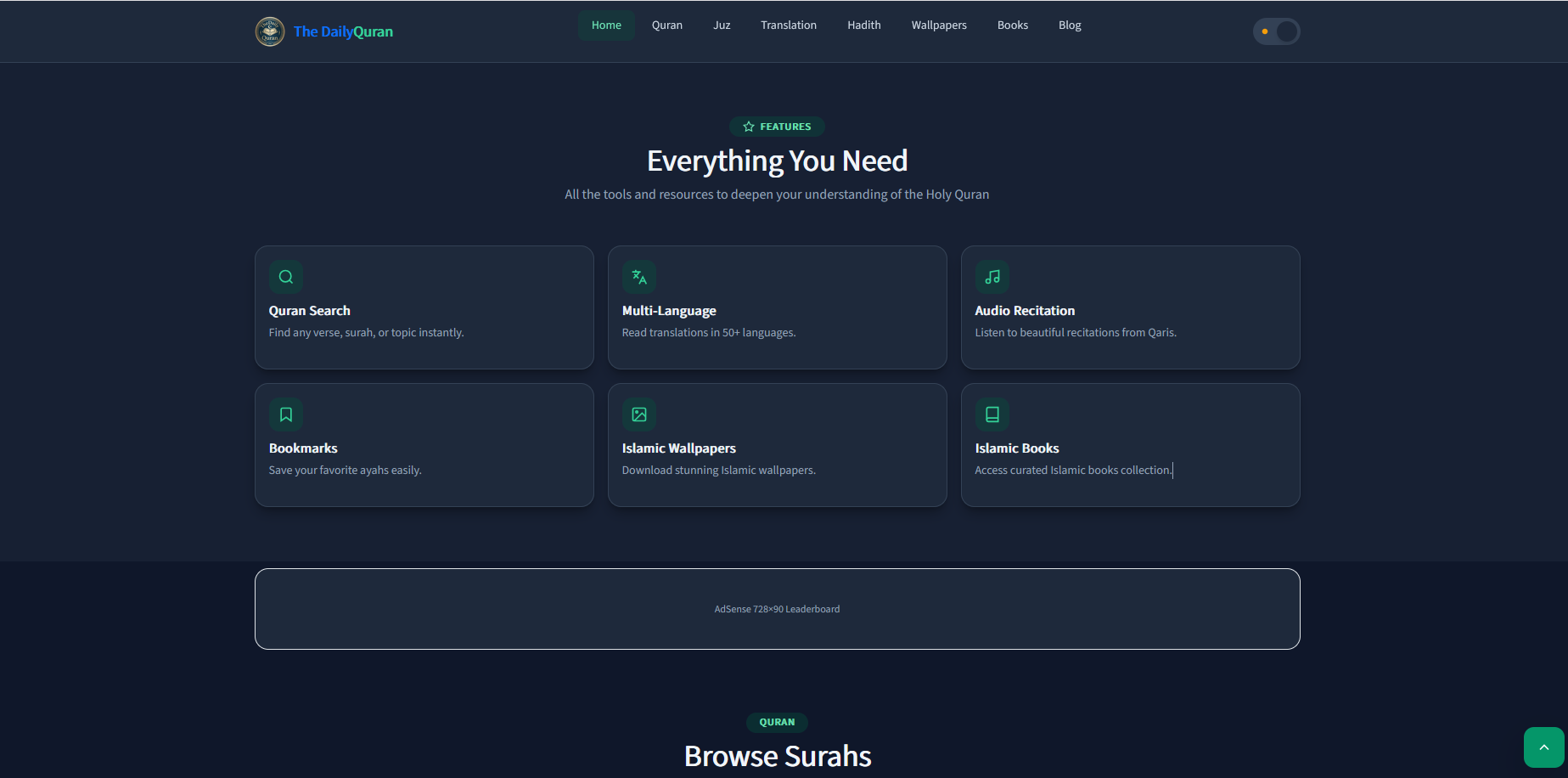
The main entry point of TheDailyQuran. Features a calming sage-green hero with the tagline "Learn the Quran, One Day at a Time", live Bangladesh daily prayer times (Fajr 04:31, Dhuhr 11:58, Asr 15:24, Maghrib 18:21, Isha 19:25), a "Reading Quran JUZ" CTA button, and a real-time Surah search bar. Decorative Quran and child illustration enhance the spiritual aesthetic.
Surah Reading
Quran Juz Reading & Audio — Surah Cards
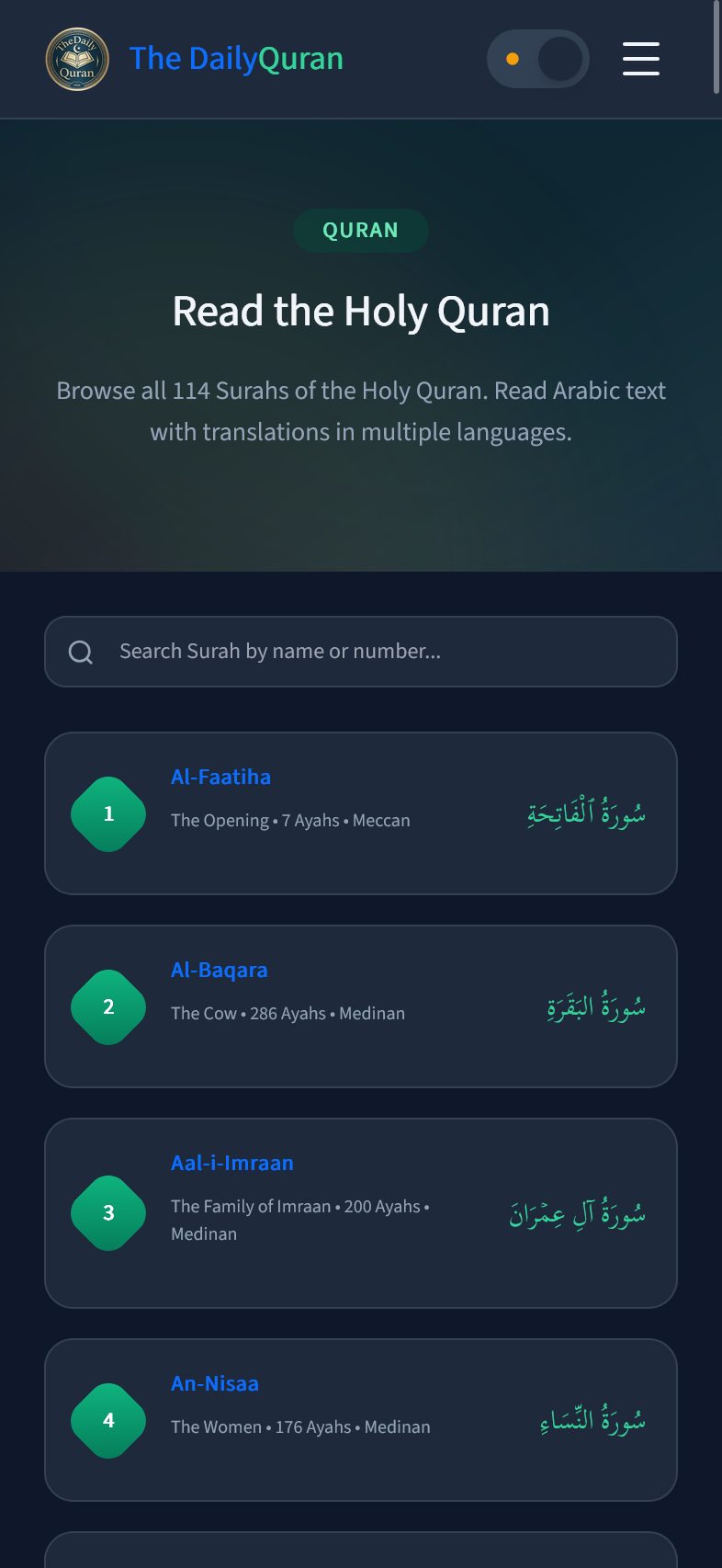
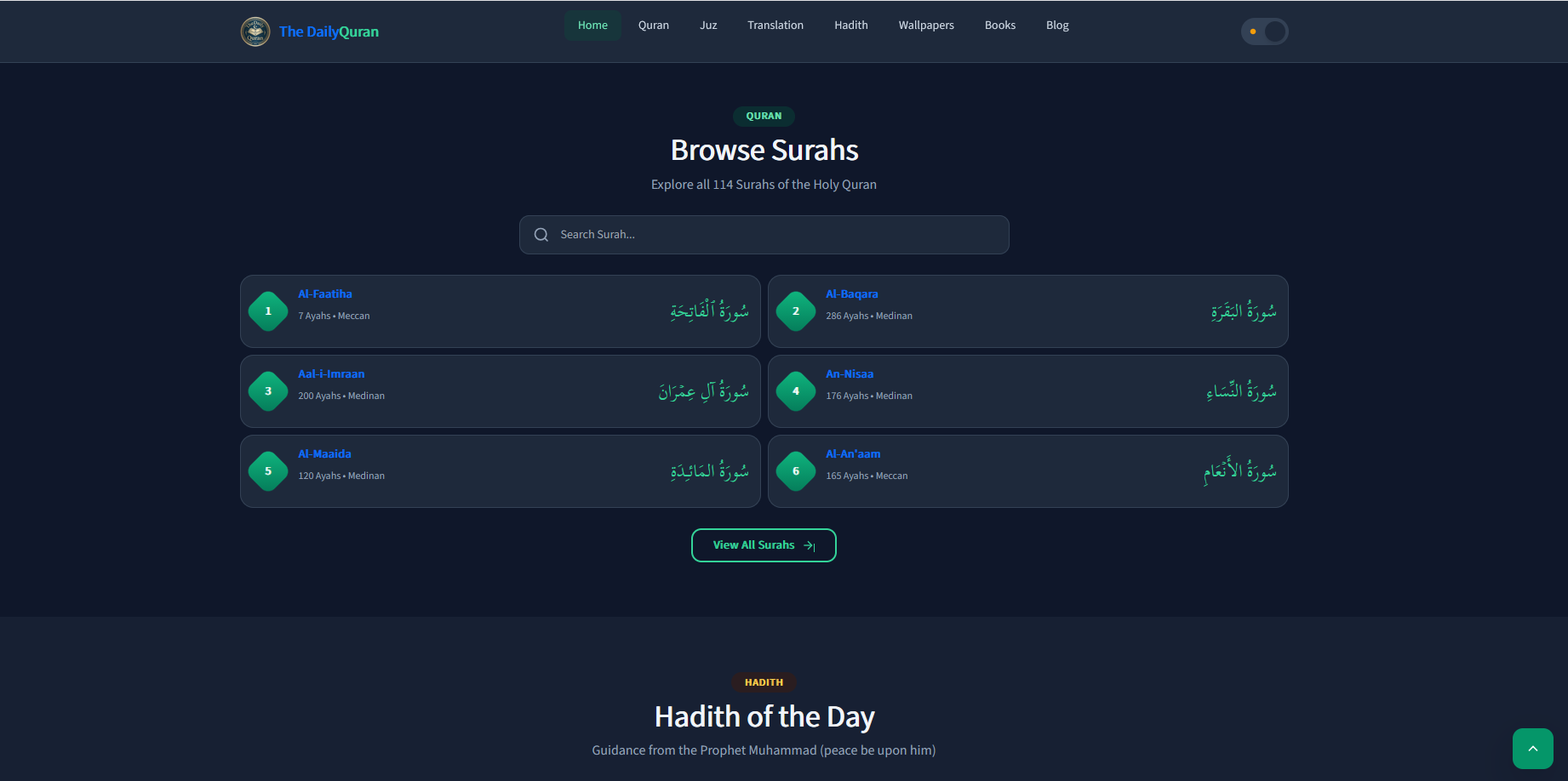
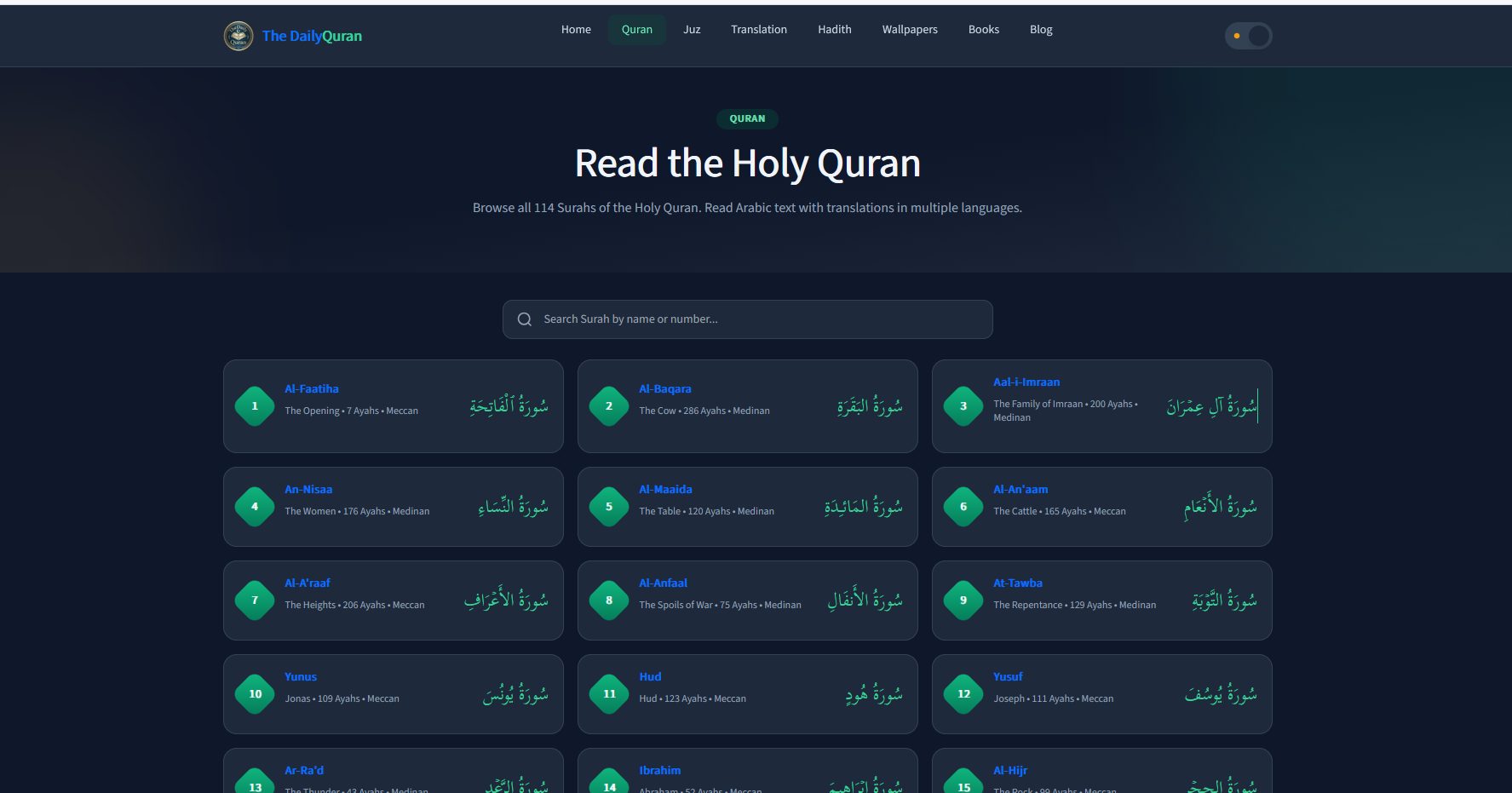
The Surah page (thedailyquran.com/surah) displays all 114 Surahs in a clean card grid layout. Each card shows the Surah number in a blue circle, English transliteration name, Arabic name (سْوْرَة), and total Ayah count. A search bar allows filtering by name, Arabic name, or number.
Juz List
Quran Juz Reading & Audio — 30 Juz Navigation
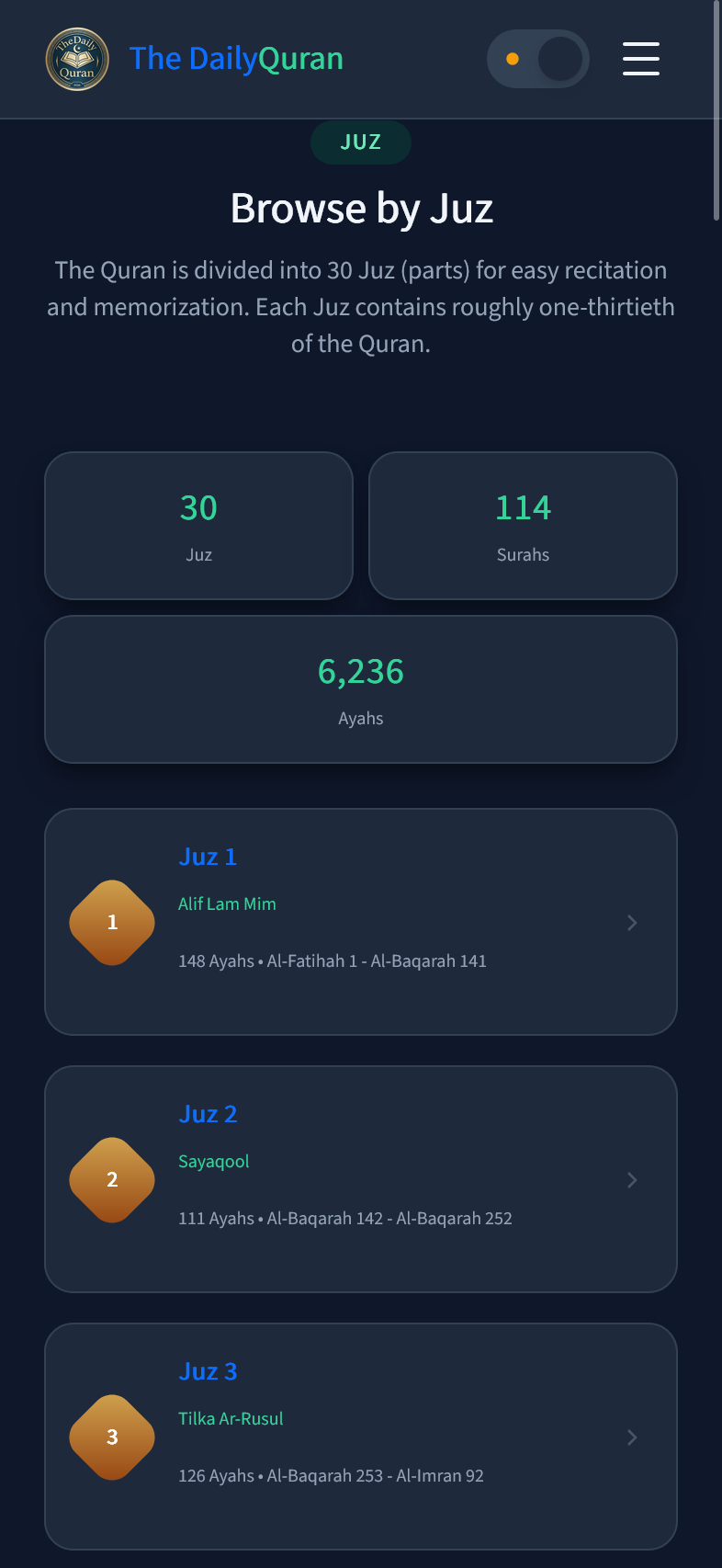
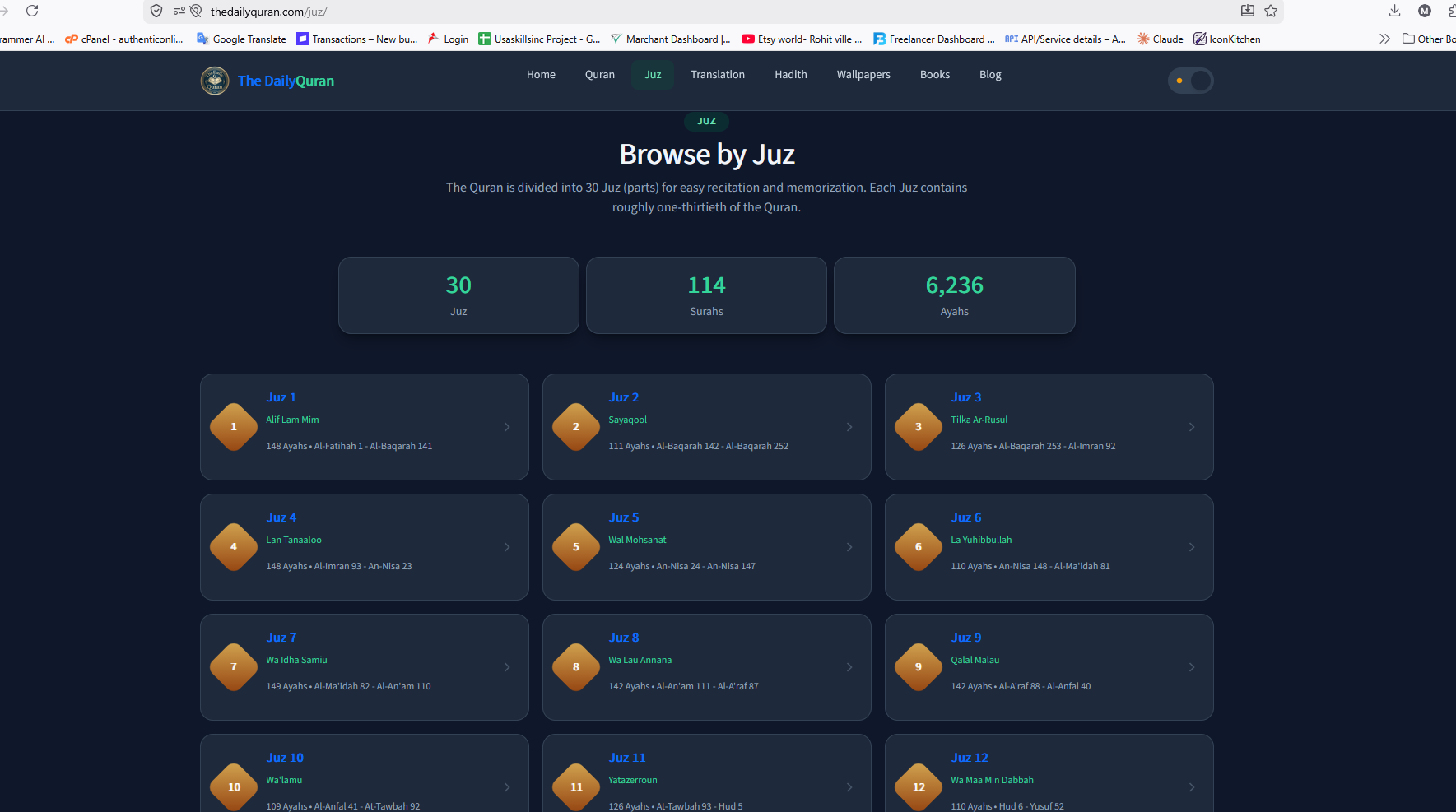
The Juz page (thedailyquran.com/juz) provides a clean button grid of all 30 Juz of the Quran displayed in teal/green rounded buttons. Users click a Juz to begin reading with audio recitation. The page header explains the feature: read Arabic with proper tajweed, understand with trusted translations, and listen to authentic recitations.

Surah Detail — Al-Faatiha
Arabic Ayah Recitation with Ayah-by-Ayah Playback
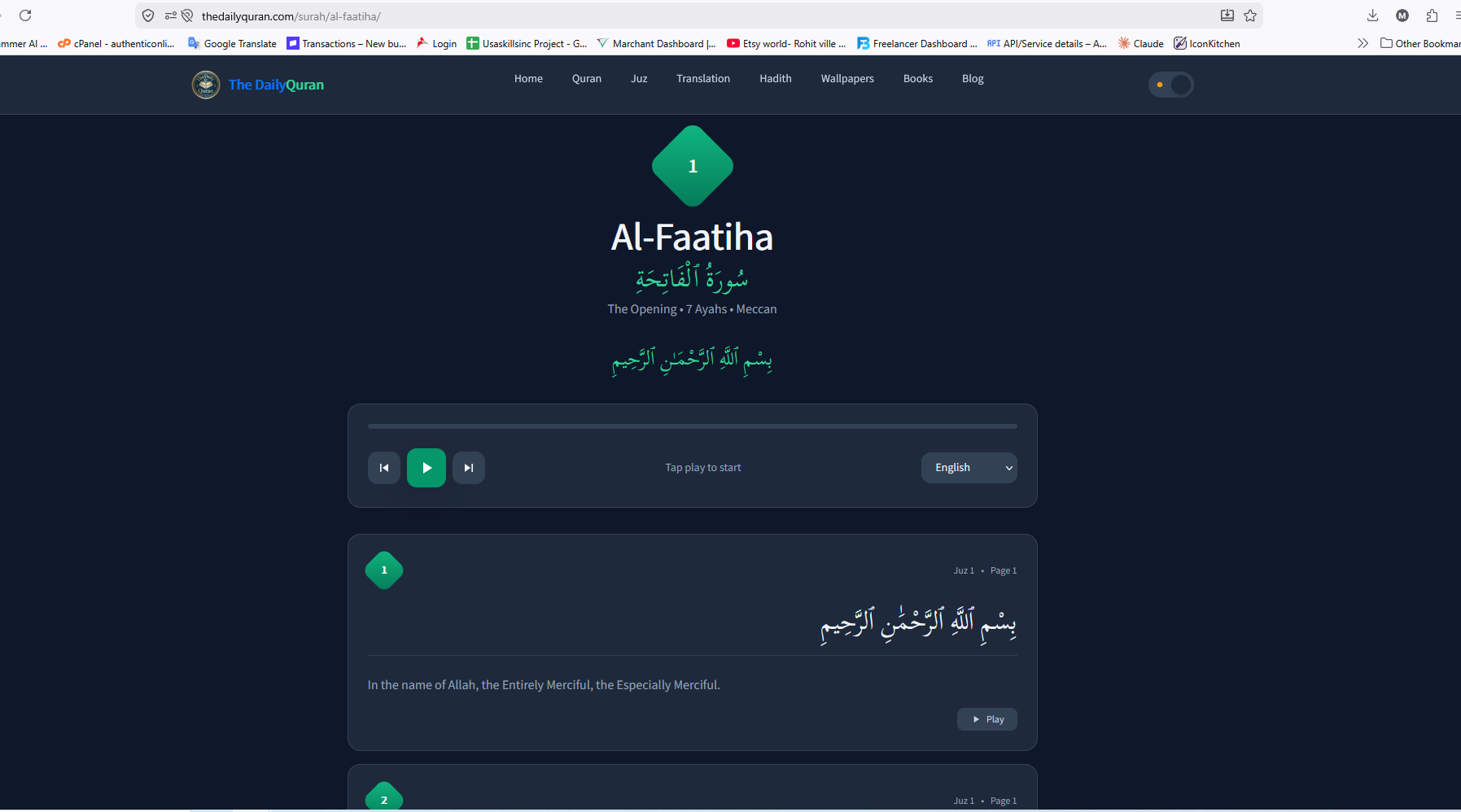
When a Surah is selected, the detail page (e.g. /surah/al-faatiha) shows the full Surah with each Ayah in large Arabic script (right-aligned), its English translation below, and a green "Play Ayah" button for individual Ayah audio. A "Play Full Surah" button plays the complete recitation. A language switcher (English dropdown) and a sidebar listing all Other Surahs aid navigation.
Juz Detail — Juz 1
Full Juz Reading with Audio Player
The Juz detail page (e.g. /juz/1) shows "JUZ 1" as the heading, with Play Full Juz, Previous, and Next navigation buttons. A full-width HTML5 audio player is embedded for continuous recitation. Each Ayah is displayed with Arabic text (right-aligned), English translation, and an individual green play button. A language switcher and Back to Juz List link are provided.
Quran Translation
Multi-Language Translation Library
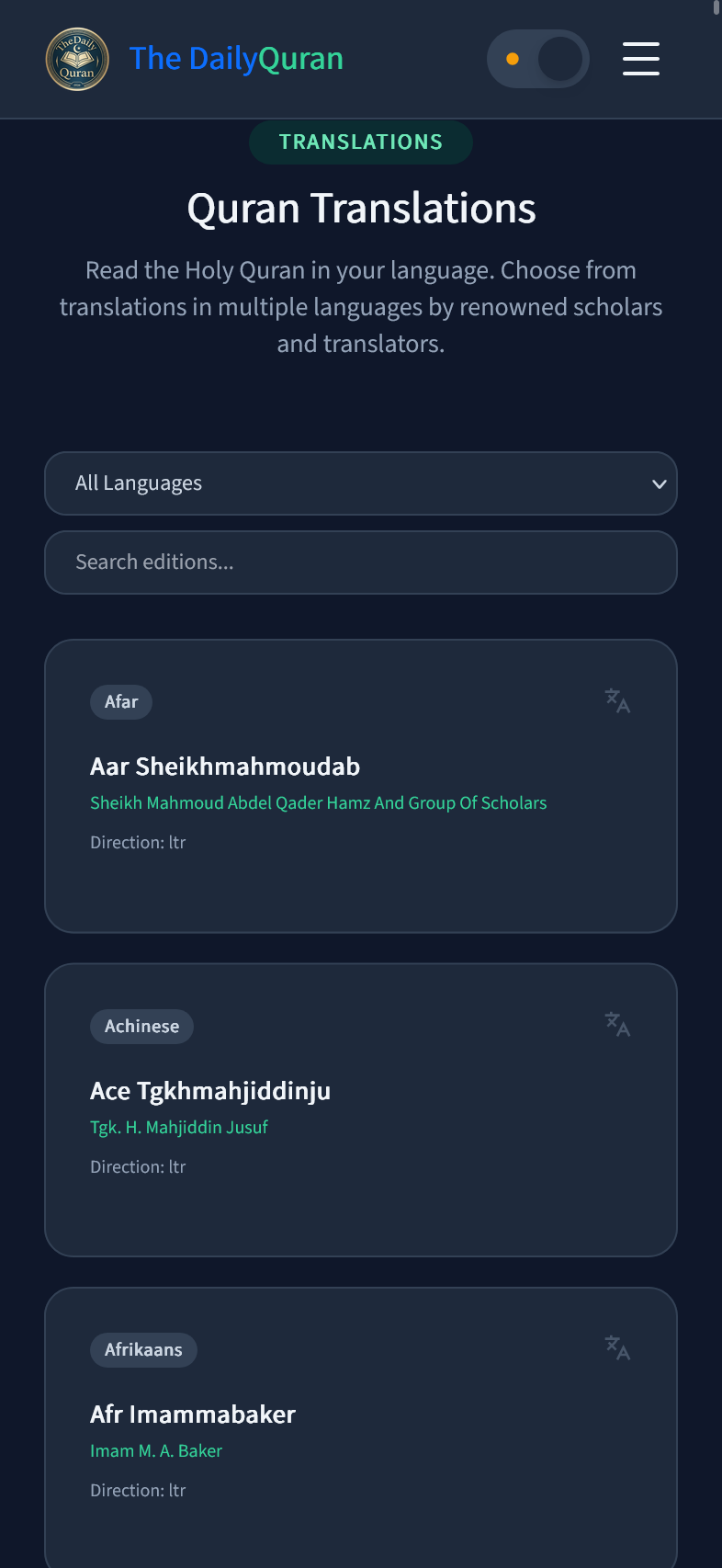
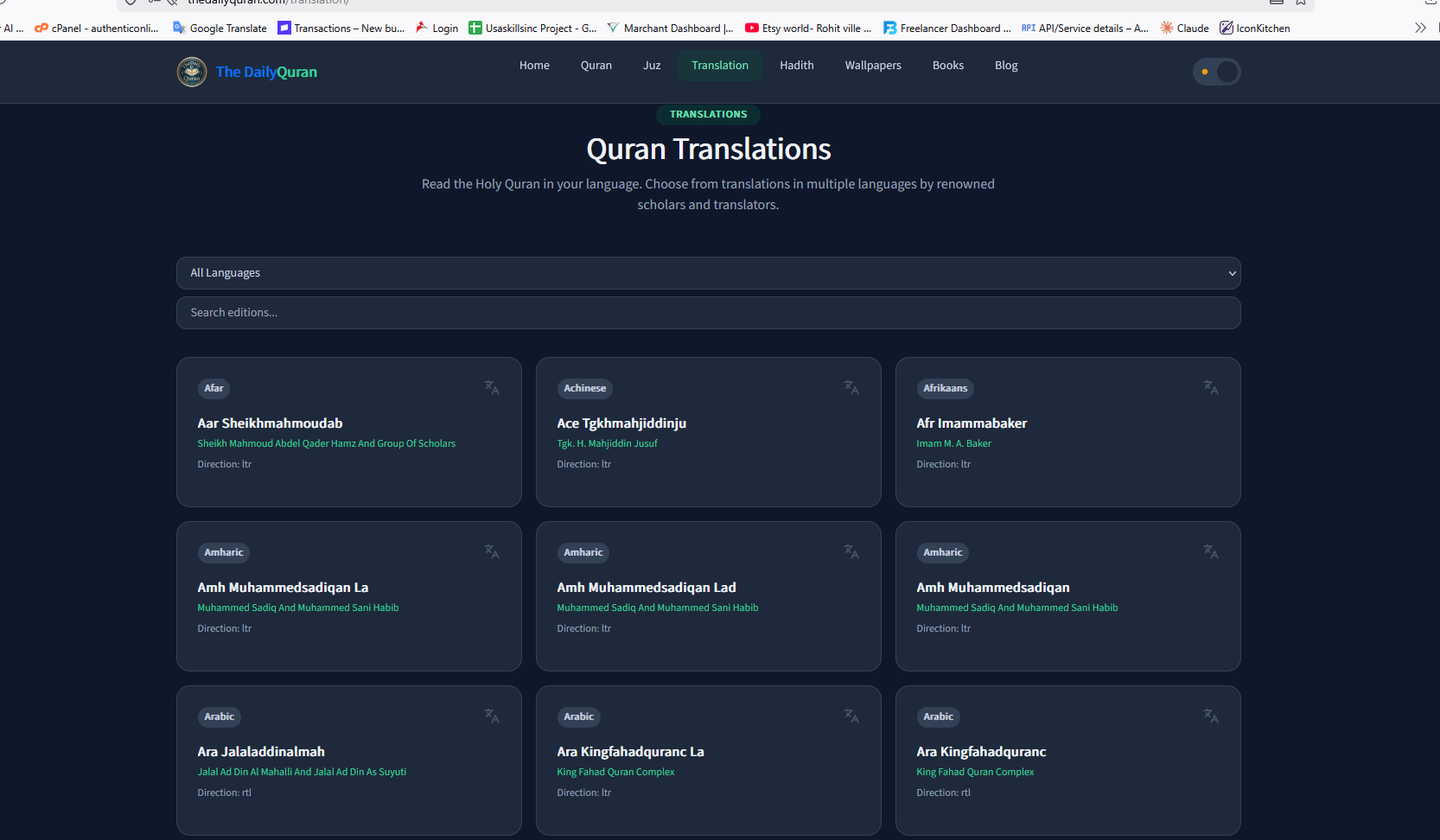
The Quran Translation page (thedailyquran.com/quran-translation) lets users explore the Quran in dozens of languages. An "All Languages" dropdown and search box filter the translation editions shown as cards. Each card shows the edition name, Author, and Language. Clicking a card opens an in-page dark-mode reader showing all Ayahs with Surah-Ayah labels, a search bar, copy icons, and a Dark Mode toggle.
Islamic Wallpaper
Downloadable High-Quality Islamic Backgrounds
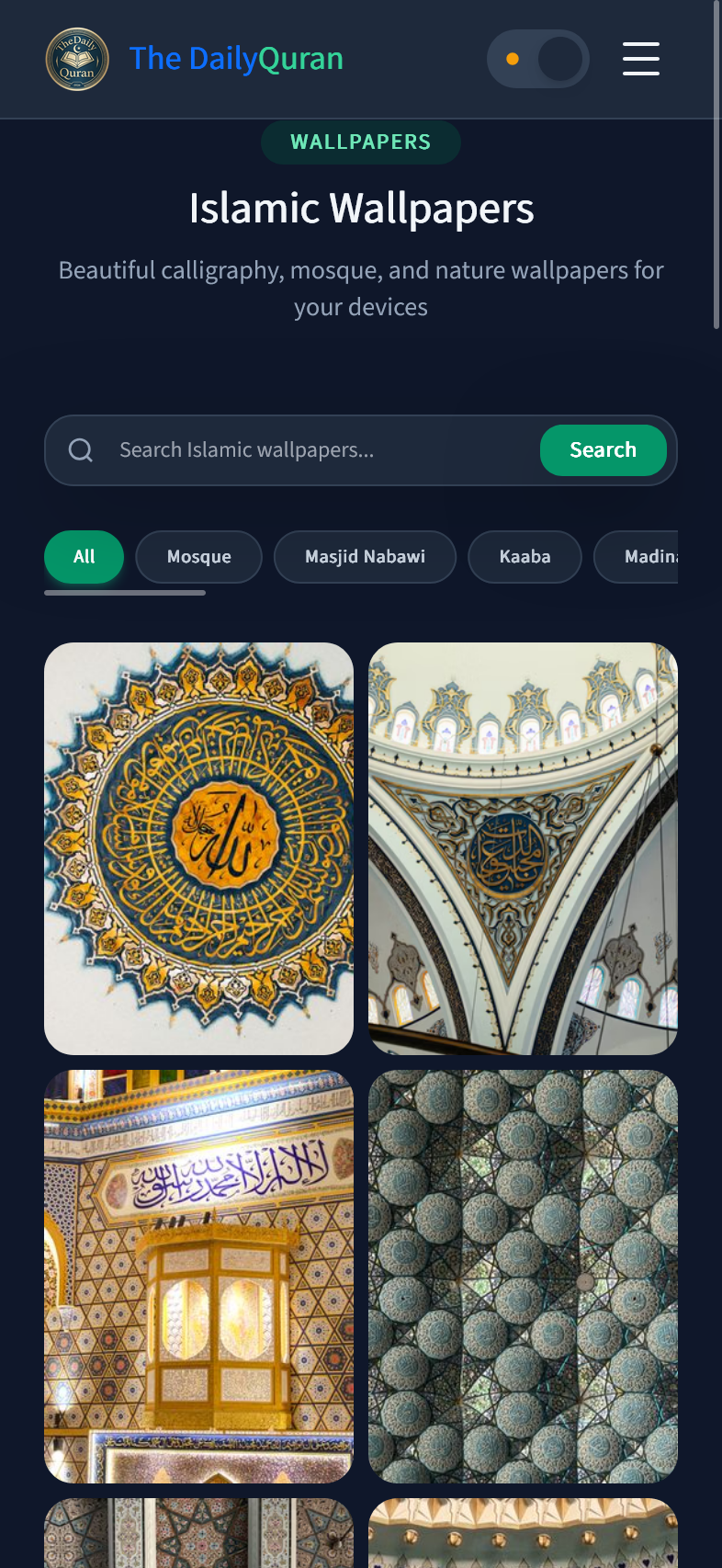
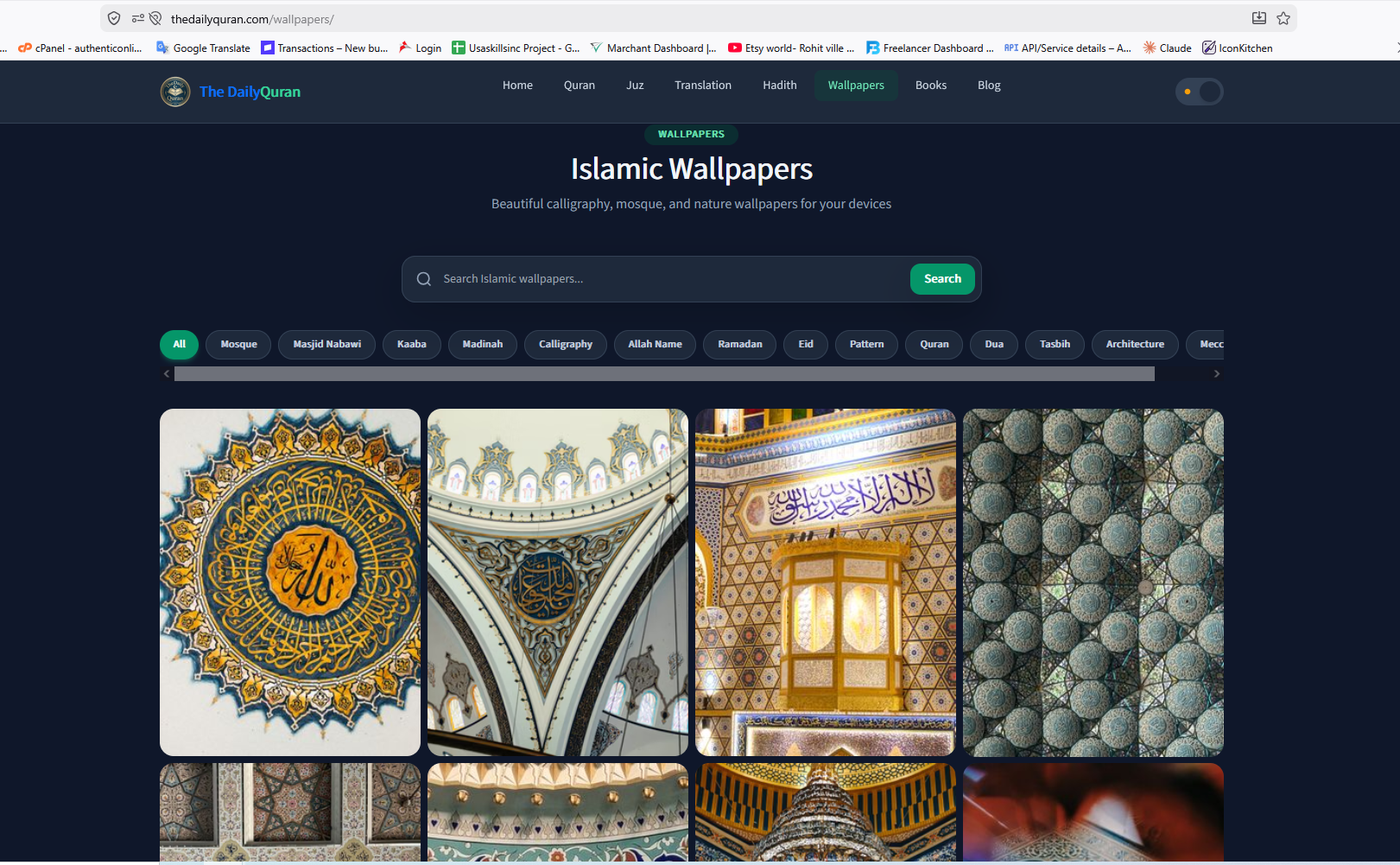
The Islamic Wallpaper page (thedailyquran.com/islamic-wallpaper) is a searchable gallery of Islamic imagery. Tag pills let users filter by categories like "mosque", "masjid nabawi", "kaaba mecca", "allah name calligraphy", "ramadan kareem", "quran book", "islamic architecture", and more. Images are shown in a responsive masonry-style grid.
Islamic eBook Library
PDF Books in 30+ Languages with In-Browser Reader
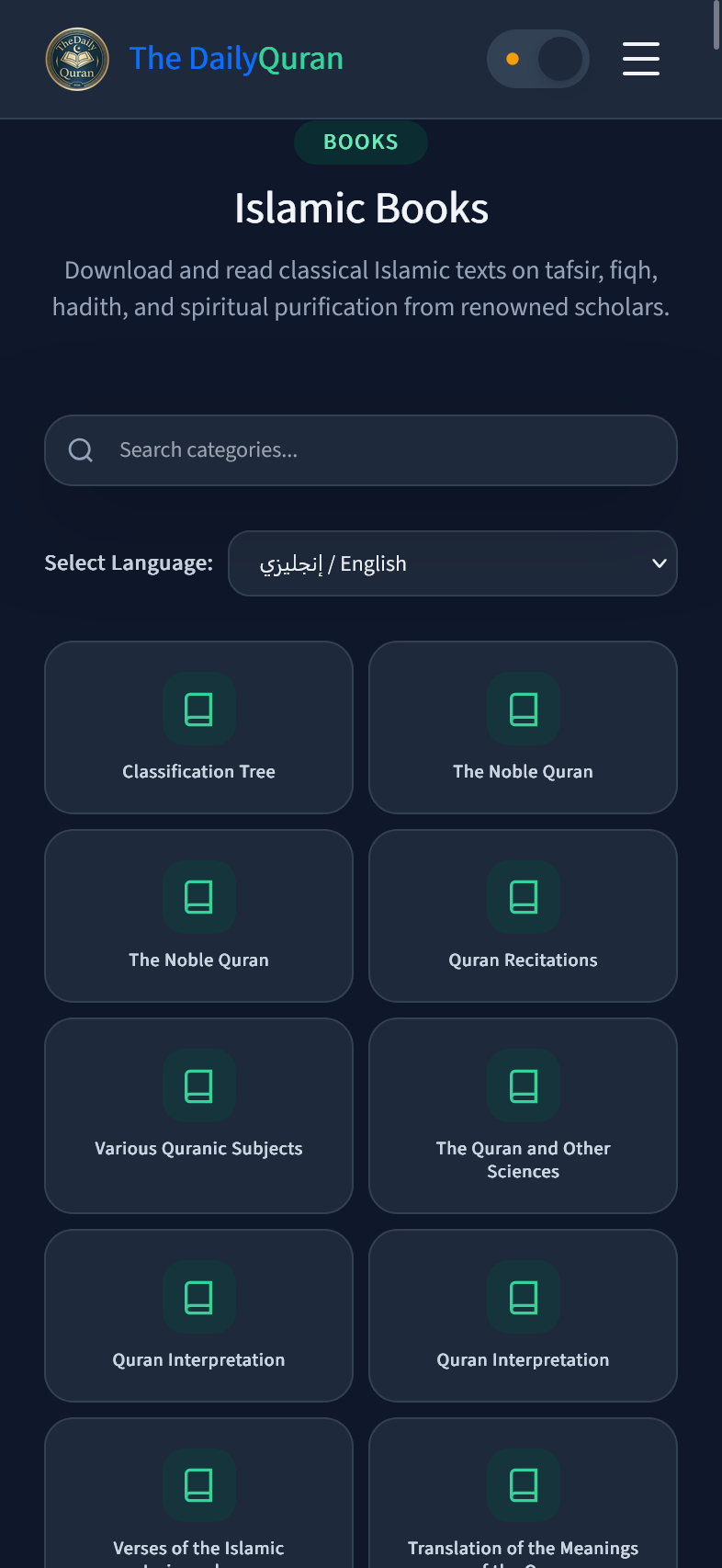
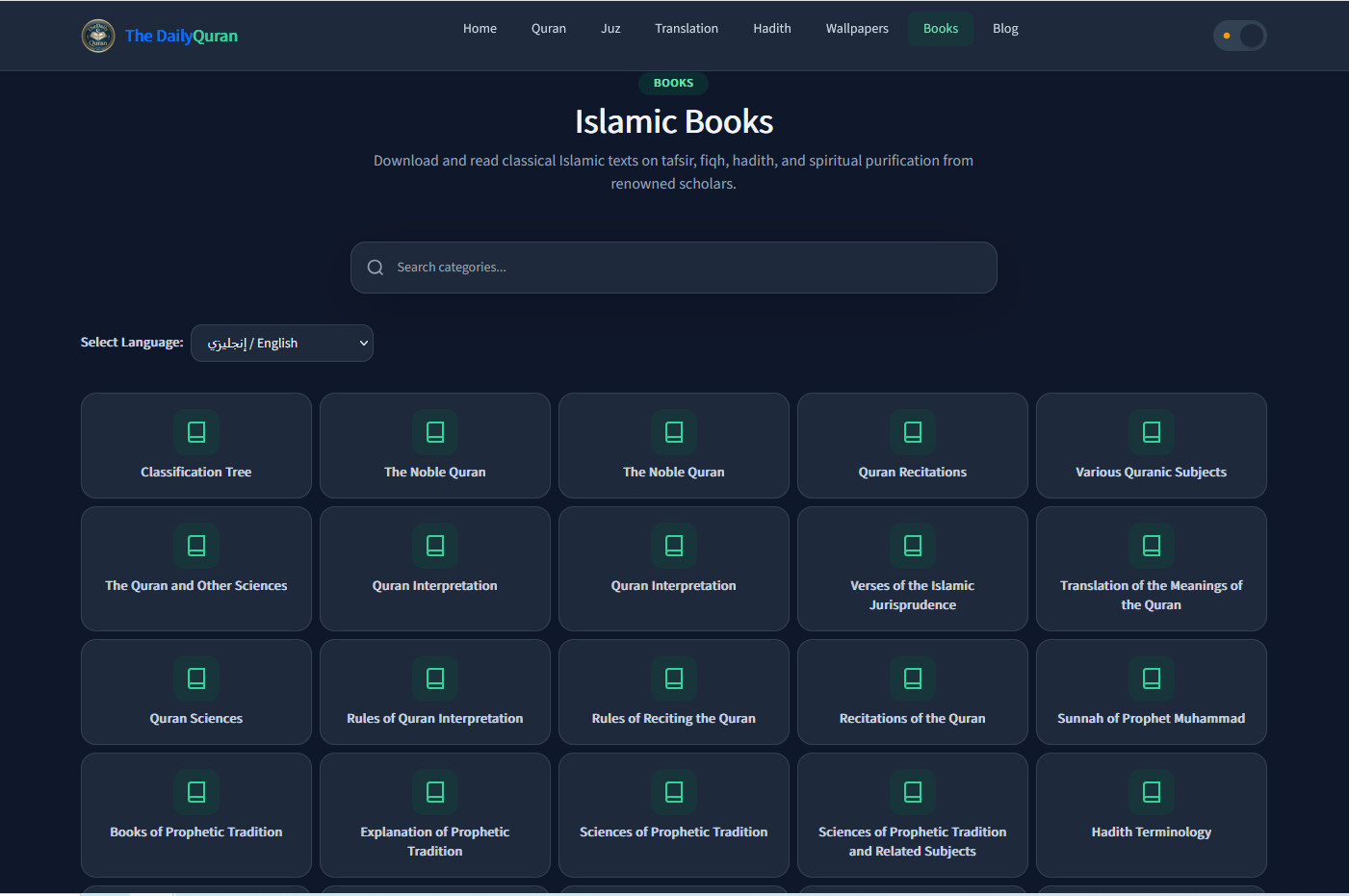
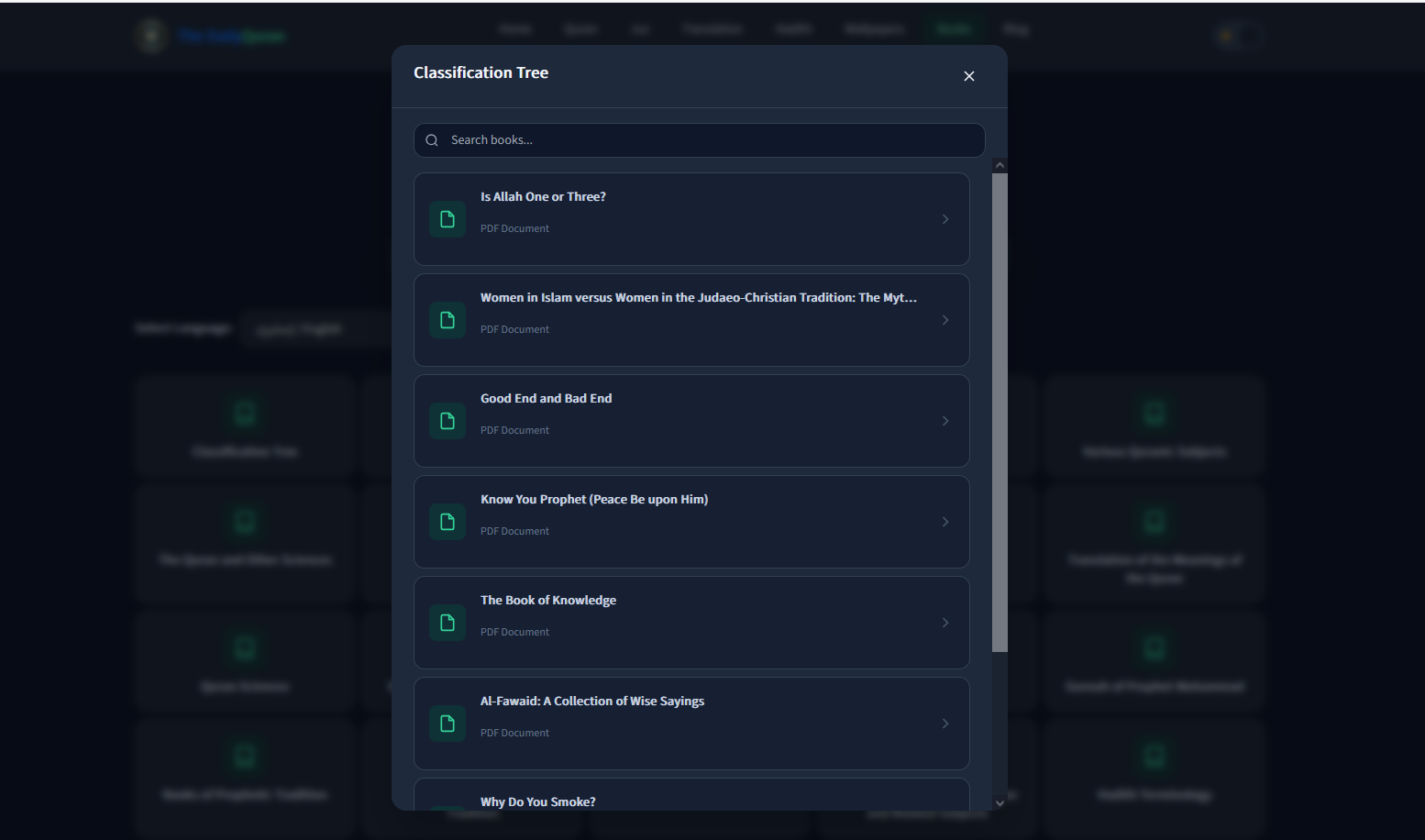
The PDF/eBook section (thedailyquran.com/pdf-books) provides an extensive Islamic eBook library in 30+ languages including Bengali, Arabic, English, French, Urdu, and more. Books are organized by Categories such as Tafseer, Hadith, Sunnah, Al-Quran Translation, Tajweed, etc. Clicking a category opens a modal listing books; selecting a book opens the full in-browser PDF reader with page thumbnails, zoom, and navigation controls.
Mobile View
Fully Responsive — iOS & Android Optimized
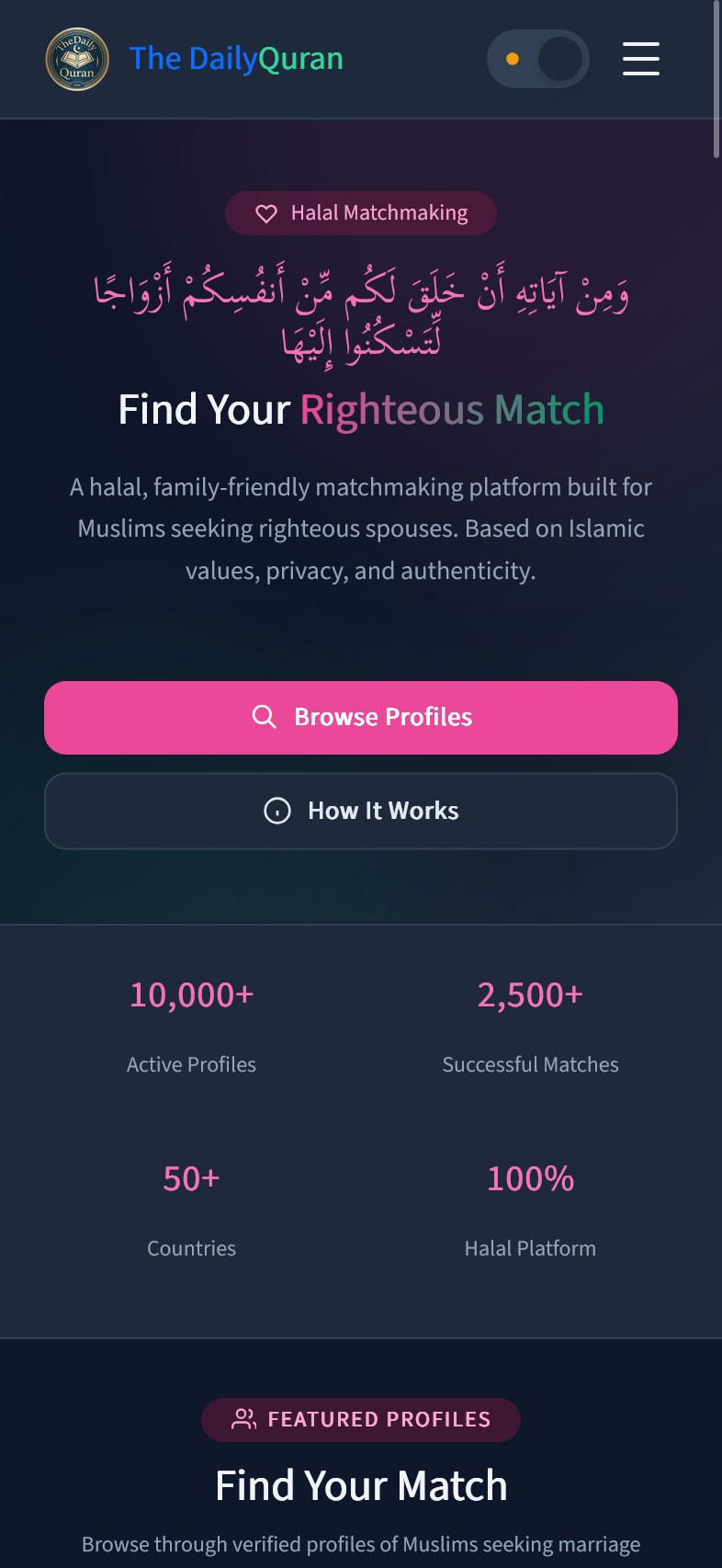
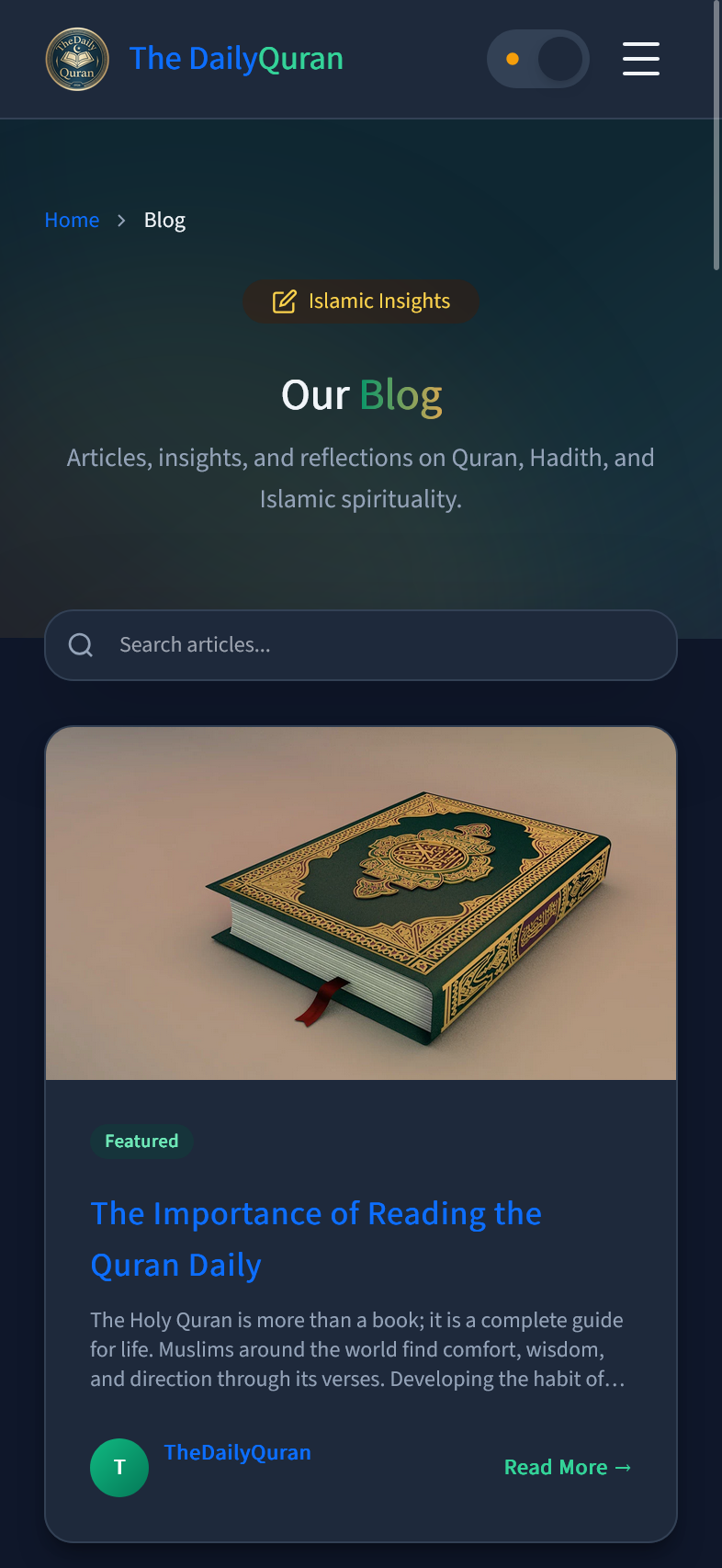
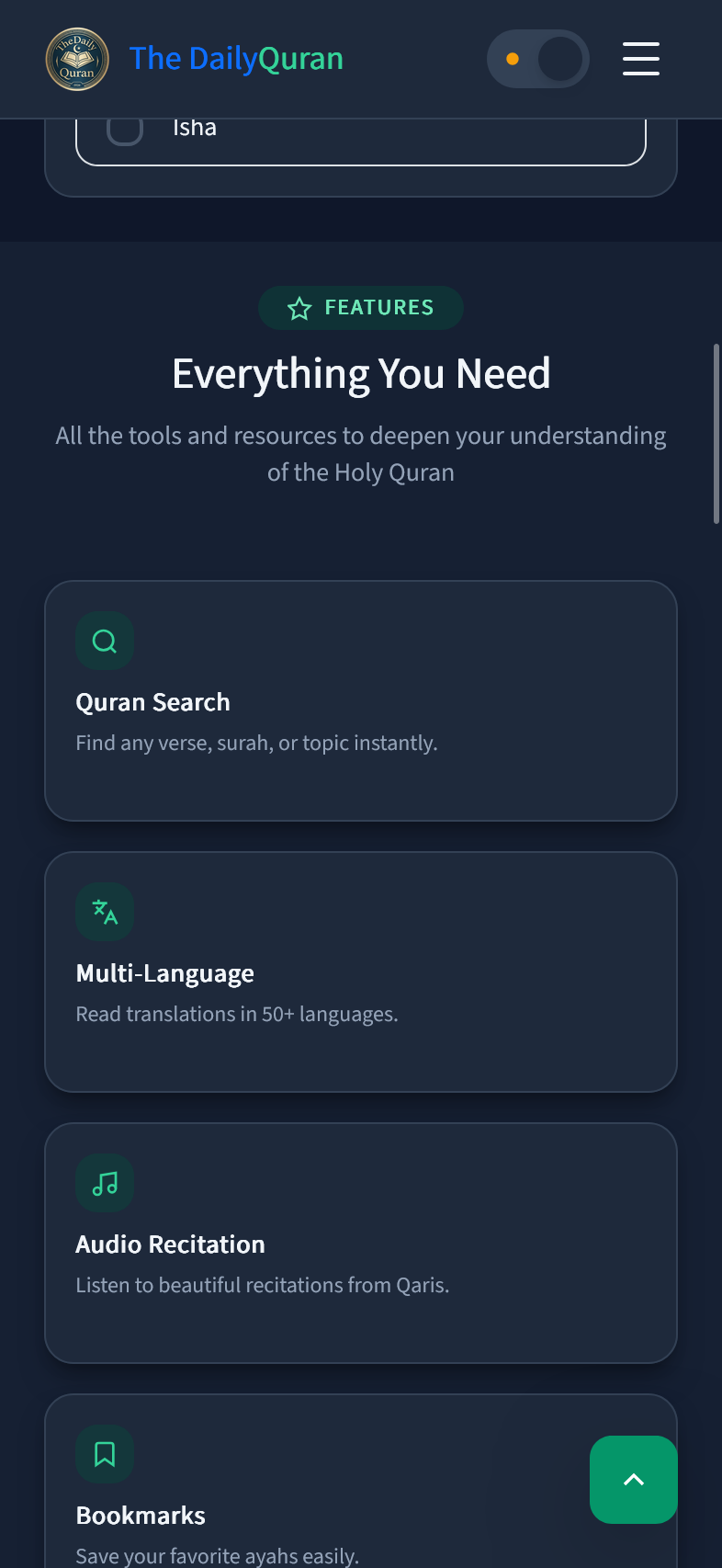
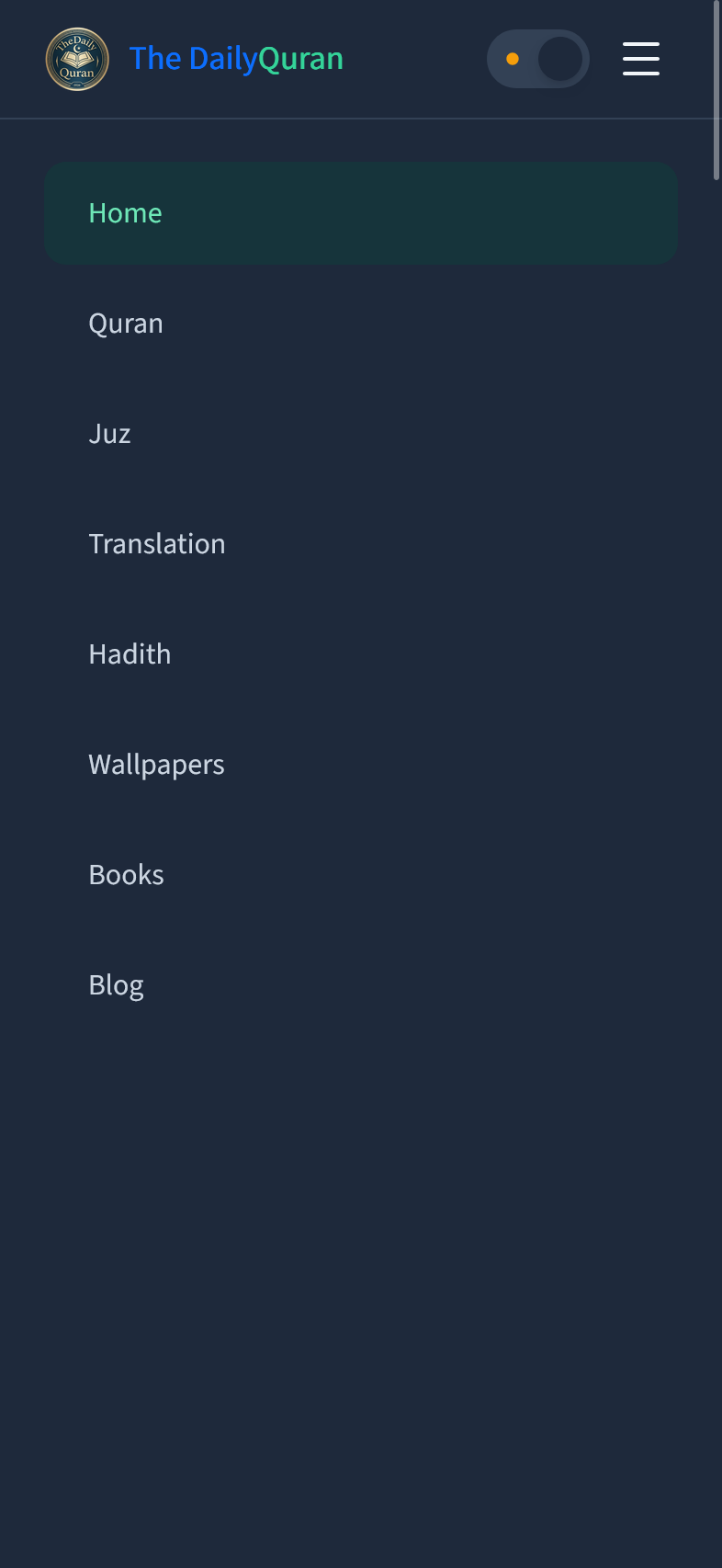
TheDailyQuran is fully responsive. On mobile, the homepage shows the hero text, prayer time cards in a 2×2 grid, the Reading Quran JUZ button, and the Surah search bar. The Surah list becomes single-column cards. The Surah detail page renders large Arabic text with full-width translation paragraphs. A hamburger menu replaces the desktop navigation.